How to Track Employee Hours: 6 Methods Compared
September 2, 2026
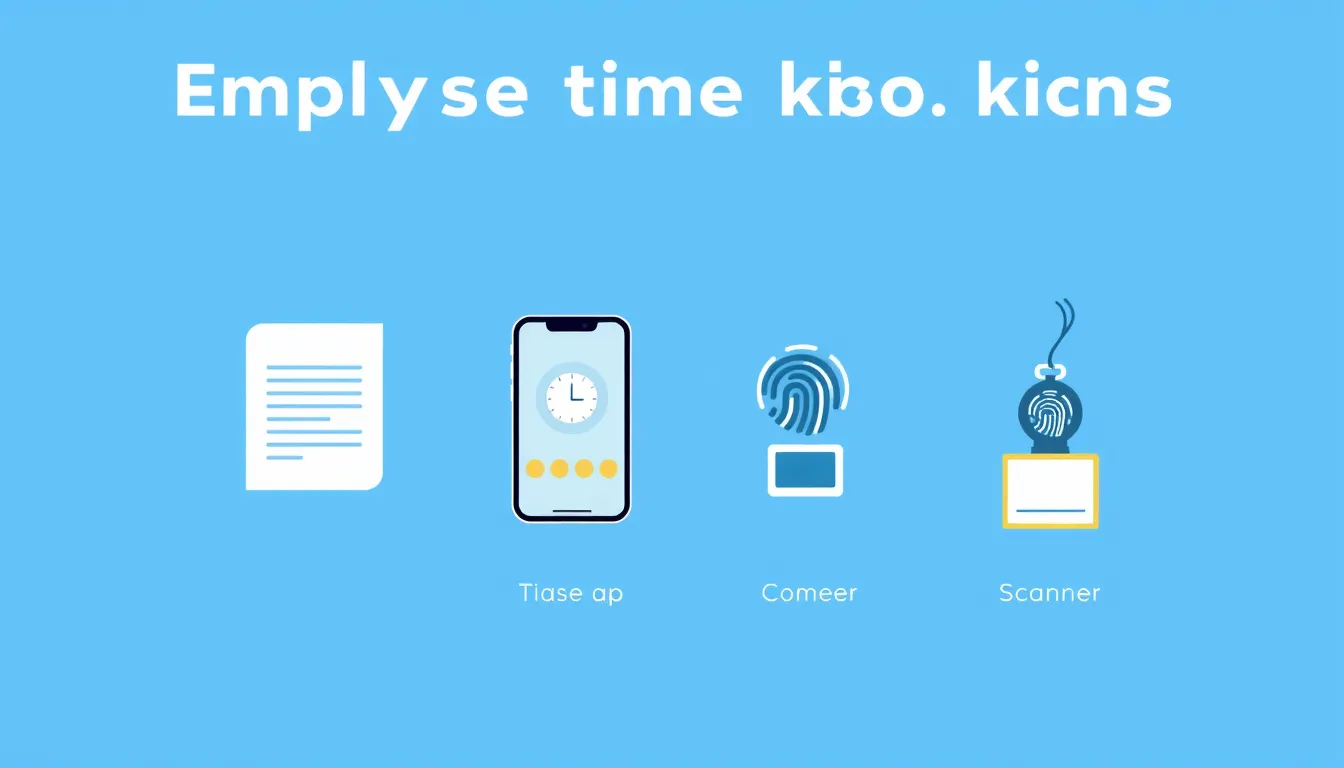
There are many ways to track employee hours, and the right one depends on your team's size, how they work, and what you need the data for. Pick a method that's too heavy and people resist it; pick one that's too light and the numbers can't be trusted. This guide compares six common approaches so you can match the method to your situation.
1. Paper timesheets
The original method: a printed sheet where people write their hours.
- Pros: Zero cost, no learning curve, works anywhere.
- Cons: Filled in from memory, easy to lose, totals done by hand, no real audit trail.
- Best for: A very small team or a temporary stopgap.
2. Spreadsheets
An Excel or Google Sheets template with formulas that total hours.
- Pros: Free, structured, formulas cut the math.
- Cons: Manual entry, version-control headaches, no real clock-in, weak on approvals.
- Best for: Small teams comfortable with spreadsheets and honest self-reporting.
3. Time tracking apps
Software where employees clock in and out from a phone or computer.
- Pros: Real timestamps, automatic totals and overtime, live visibility, approvals and an audit trail.
- Cons: A small monthly cost and a short setup.
- Best for: Most growing teams — the best balance of accuracy and ease.
4. Biometric clocks
Physical terminals using a fingerprint or face scan to clock in.
- Pros: Hard to fake, eliminates buddy punching, good for a fixed site.
- Cons: Hardware cost, only works at one location, privacy considerations to weigh.
- Best for: Single-site operations with many on-site staff.
5. GPS and geofencing
Mobile tracking that ties clock-ins to a location.
- Pros: Confirms people are on-site, useful for field and mobile teams.
- Cons: Raises privacy questions, depends on phones and signal.
- Best for: Field services, construction, and distributed on-site work.
6. Badge or PIN systems
A swipe card or keypad code at an entry point.
- Pros: Fast, familiar, integrates with access control.
- Cons: Cards get shared or lost, hardware to maintain.
- Best for: Larger sites that already use access badges.
How to choose
Weigh three things: accuracy (can you trust the numbers?), ease (will people actually use it?), and cost (hardware plus time). For most small and mid-sized teams, a time tracking app wins on all three — real timestamps without hardware, and simple enough that adoption isn't a fight. Physical or biometric systems earn their keep mainly at single sites with high headcount.
A simple, accurate default
If you want the accuracy of real clock-ins without buying hardware, Timesheet Maker lets employees clock in and out from any device, totals hours and overtime automatically, and gives managers a one-click approval and clean payroll reports. It's the method most teams land on once paper and spreadsheets start to strain.
Frequently asked questions
What's the most accurate way to track employee hours? Real-time clock-ins — via an app or a physical clock — beat any method that relies on people remembering their hours later.
What's the cheapest way to track hours? Paper or a spreadsheet template costs nothing upfront, but the manual totaling and error-fixing cost time. Many app plans are inexpensive and save that time.
How do I stop people gaming the system? Real timestamps, approvals, and (where appropriate) location or biometric checks make it hard to record hours that weren't worked.
Which method is best for a remote team? A time tracking app, since it works from any device and any location without hardware.
Match the method to your team
Balance accuracy, ease, and cost for how your people actually work. If a simple, accurate default sounds right, try Timesheet Maker free.
Build your timesheet in seconds
Track hours, calculate pay and export a clean PDF or CSV — free, no signup.
Open the timesheet maker